Cardstock for Bookmarks: How to Pick a Weight
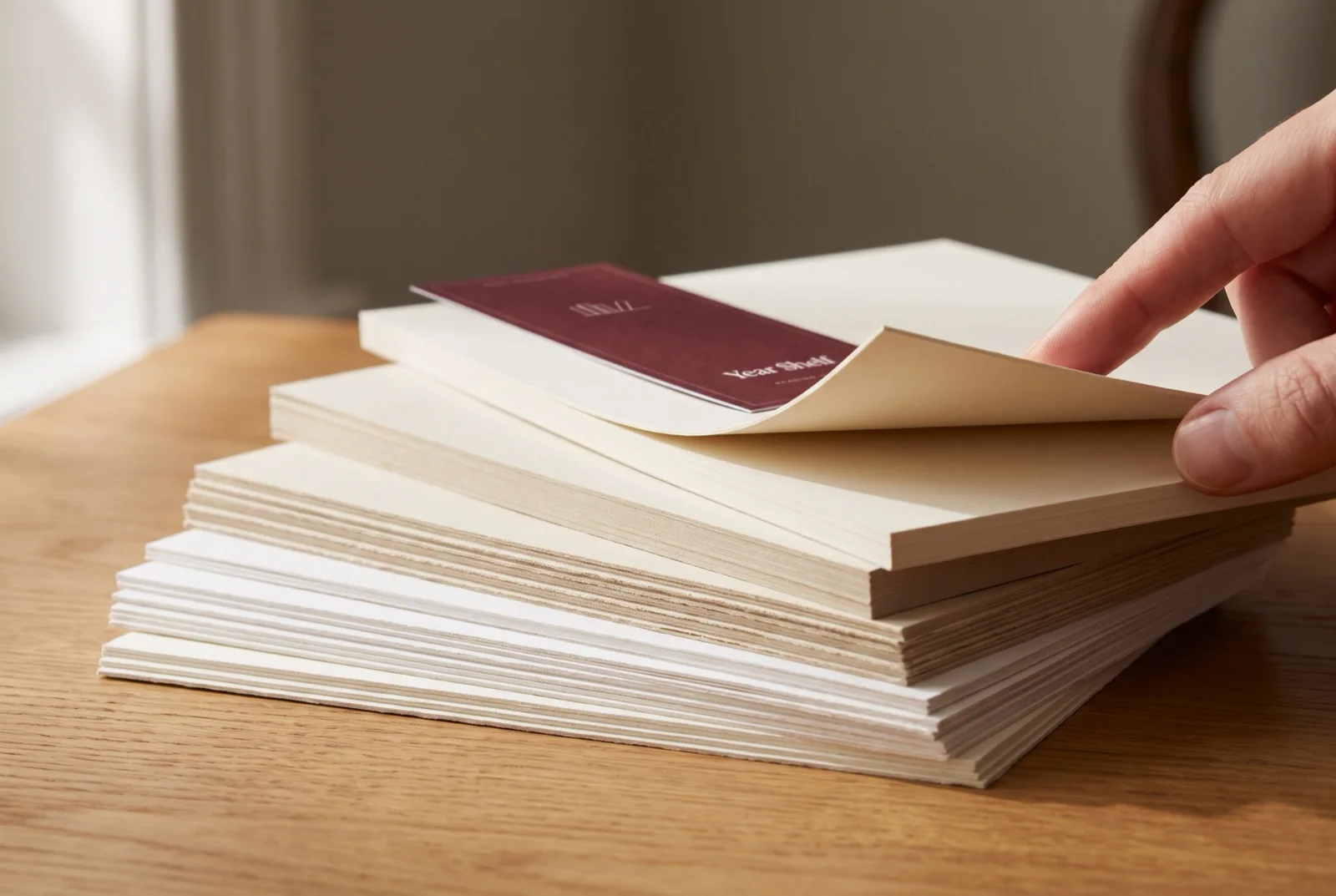
You print a bookmark on everyday office paper, and it flops over the moment you hold it up. The best cardstock for bookmarks is a matte card of about 176 gsm, sold in the US as 65 lb cover. It is stiff enough to stand up in a book and still feeds through most home printers. Heavier card goes through a rear or manual feed, and only up to the weight your printer's manual lists.
What Cardstock for Bookmarks Works Best?
For a bookmark you print at home and write on, choose matte card of about 176 gsm. Uncoated card is the safest surface for pencil, and a matte coated card is the next best. Go up to 216 gsm only if your printer's manual feed lists that weight. Glossy card suits photos but resists pencil.
| Your bookmark | Card to buy | Why |
|---|---|---|
| A tracker or notes in pencil | Matte 65 lb cover (176 gsm), uncoated if you can find it | Takes pencil and feeds through most home printers |
| A sturdier gift bookmark | Matte 80 lb cover (216 gsm) | Stiffer, if your manual feed lists 216 gsm or more |
| A photo or artwork print | Coated card with a gloss or silk finish | Sharper color, but hard to write on |
| A strip that lasts for years | Any of the above, laminated after printing | Lamination protects the surface |
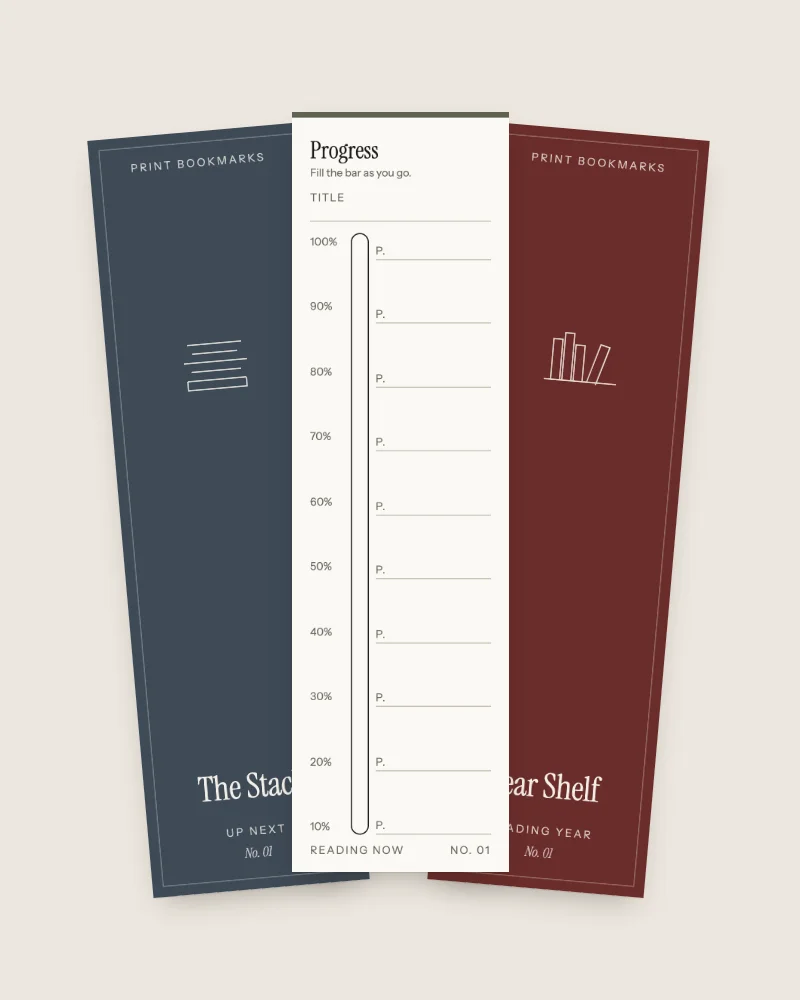
Our tracker sets are made for pencil on matte card. Each back of the Up Next set for the books ahead is ruled for one job, from a to-read pile to library due dates and book club meetings.
Step 1: Read the Weight on the Pack
Paper packs give weight in grams per square meter (gsm) and, in the US, in pounds. The pound figure depends on the paper grade, so pounds only compare within one grade. In the Sappi North America specification guide, 80 lb text weighs 118 gsm while 65 lb cover weighs 176 gsm. Grams per square meter work across every grade. Trust the gsm number.
| US weight | gsm | Listed by | As a bookmark |
|---|---|---|---|
| 20 lb office paper | 75 | HP manual | Too floppy |
| 80 lb text | 118 | Sappi | Too floppy |
| 100 lb text | 148 | Sappi | Bends easily |
| 65 lb cover | 176 | Sappi | Yes, the home printer pick |
| 80 lb cover | 216 | Sappi | Yes, if your manual feed lists it |
| 100 lb cover | 270 | Sappi | Past both printers below, so check your printer manual |
| 120 lb cover | 325 | Sappi | Past both printers below |
Finish changes thickness at the same weight. In Sappi's McCoy line of coated papers, 80 lb cover measures 0.0069 inch in gloss and 0.0085 inch in matte. The same line's matte 80 lb text measures 0.0045 inch, about half as thick as its matte cover. Check the gsm figure first, then the finish.
Step 2: Check What Your Printer Feeds
Your printer manual lists a maximum paper weight for each tray, and that number decides which card you can buy. Look in the specifications chapter, under paper weight or media handling. The limits differ a lot between models.
The HP DeskJet Plus 4100e user guide lists plain paper at 60 to 90 g/m² and cards at up to 200 g/m². A 176 gsm card fits under that limit. The Brother HL-L2350DW specifications split the limit by path. The paper tray takes 16 to 43 lb (60 to 163 g/m²). The manual feed slot takes 16 to 61 lb (60 to 230 g/m²).
| Printer and path | Listed maximum | 65 lb cover, 176 gsm | 80 lb cover, 216 gsm |
|---|---|---|---|
| HP DeskJet Plus 4100e, cards | 200 g/m² | Yes | No |
| Brother HL-L2350DW, paper tray | 163 g/m² | No | No |
| Brother HL-L2350DW, manual feed slot | 230 g/m² | Yes | Yes |
On the Brother HL-L2350DW, 176 gsm card goes in the manual feed slot, one sheet at a time. Set the paper type in the print dialog too. Brother lists Thick Paper and Thicker Paper as types for the manual slot. Check whether your own printer lists a separate limit for a rear or manual feed before you give up on a heavier card.
Key Takeaway: 176 gsm card sits under the 200 g/m² card limit in HP's DeskJet Plus 4100e guide. Brother's HL-L2350DW tray stops at 163 g/m², so on that model the same card goes through the manual slot.
Pro Tip: Feed a single sheet of the card before you buy a full pack. If it comes out with a smudge or a crease along one edge, try the next weight down or the manual feed.
Step 3: Choose Matte or Glossy
Pick matte card if you plan to write on the bookmark, and glossy, coated card only for a photo or artwork you will never mark. Sylvamo, the maker of Accent Opaque paper, explains the difference in its paper FAQ. A coating "helps to keep the ink on the surface of the paper," which gives crisp images. The same page warns that "some coated papers are difficult to write on with a pen or marker." Uncoated card has no such layer.
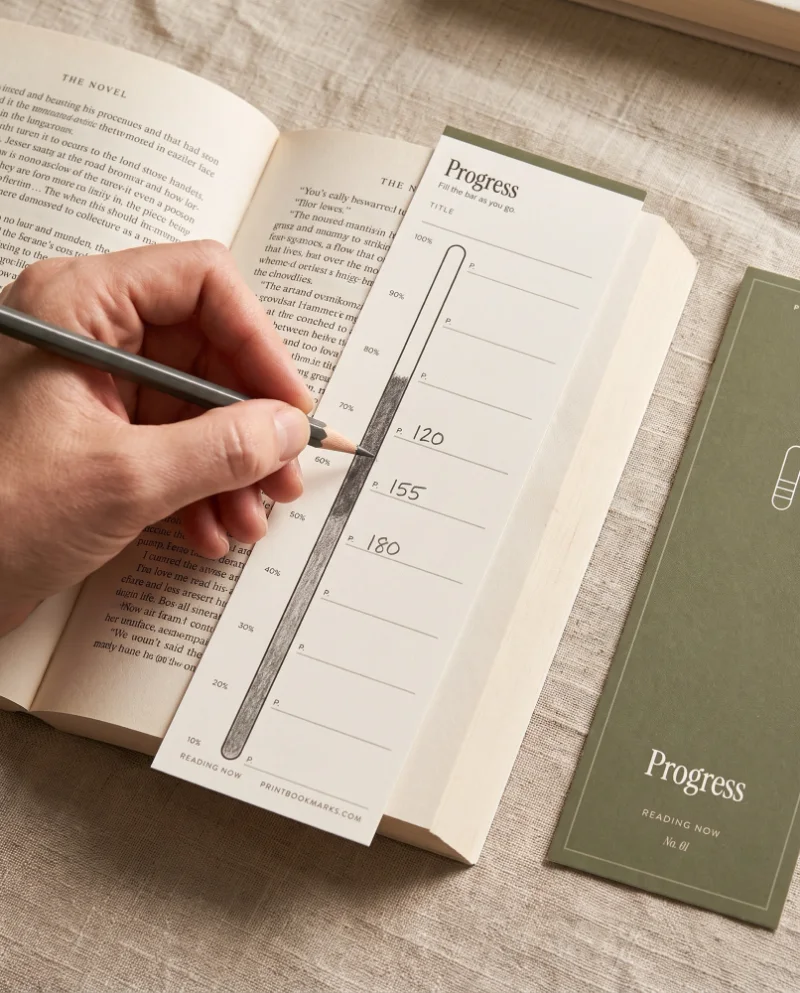
Every tracker in our sets is ruled to be filled in by hand over weeks, so matte card suits them best. Each set downloads as a zip with a US Letter PDF, an A4 PDF and a short README. The link arrives in your receipt email right after payment, and any home inkjet or laser prints the sheets at actual size (100%).
A pen test on a scrap of card saves a ruined sheet. Write a line, wait a minute, and rub it with your thumb. If it smears, switch to pencil or a fine felt tip.
For a glossy photo bookmark, our sets are the wrong pick, since they are matte trackers you fill in with a pencil. Print your own picture on coated card and laminate it instead.
Step 4: Cut, Then Decide on Lamination
Cut the printed sheet with a paper trimmer, or with a metal ruler and a craft knife, and do the long edges first. Change to a fresh blade if the cut starts to drag. A dull blade tears the edge.
Lamination is a choice you make after cutting. A laminated strip resists spills and bent corners. If your printer stops at 176 gsm, lamination is also the way to a stiffer bookmark without heavier card. The film stops pencil, though, so laminate a bookmark you only look at, and leave a tracker bare or slip it in a sleeve. The guide on how to laminate bookmarks covers pouch thickness and sealed edges.
Overview of the Four Steps
| Step | What you check | Rule of thumb |
|---|---|---|
| 1 | Weight on the pack | Read gsm, and look for about 176 |
| 2 | Printer limit per tray | Heavier card only up to the limit your manual lists |
| 3 | Finish | Matte for anything you write on, uncoated if you can |
| 4 | Cut and protect | Long edges first, laminate only what you never write on |
FAQ
What cardstock is best for bookmarks?
Matte cardstock of 65 lb cover, about 176 gsm, is the best all-round choice. It holds its shape in a book and takes pencil, best of all when it is uncoated. Go to 80 lb cover, about 216 gsm, only if your printer's manual feed lists that weight.
What thickness paper is best for bookmarks?
Aim for card about 0.007 to 0.009 inch thick, which matches Sappi's matte 65 to 80 lb cover. Thinner paper bends in a bag. At the same weight, matte card is thicker than gloss.
What is the best material to print bookmarks on?
Cardstock is the best material for printed bookmarks. Pick matte if you will write on it and glossy for photos. Heavier card works only up to the weight your manual lists. The Brother HL-L2350DW manual slot lists 230 g/m², and the HP DeskJet Plus 4100e lists 200 g/m² for cards.
How do you make bookmarks with cardstock?
Design or download a bookmark file, print it on the card at actual size (100%), and cut it out. Use a trimmer, or a metal ruler and craft knife, and cut the long edges first. Add a hole and tassel or laminate it if you like.
Can I print a bookmark file more than once?
Yes. Our licence lets you print our files as often as you like for you and your household. You can also give printed bookmarks as gifts, as long as the file itself is not shared or resold.
Conclusion
Read the gsm, not the pound figure, and match it to the tray limit in your printer manual. For most home printers that means matte 65 lb cover at about 176 gsm, fed through the manual slot where the main tray falls short. Heavier card makes a stiffer bookmark only where your manual lists that weight. Size comes first, and the bookmark size guide covers lengths and sheet layouts.
Sources
- Sappi North America, Specification Guide (2016) (last checked 2026-10-02)
- HP, User Guide HP DeskJet Plus 4100e All-in-One series (2021) (last checked 2026-10-02)
- Brother, HL-L2350DW Specifications (n.d.) (last checked 2026-10-02)
- Sylvamo, What Is Uncoated Paper? And Other Frequently Asked Questions (n.d.) (last checked 2026-10-02)