Printable Reading List Template: A Step-by-Step Guide
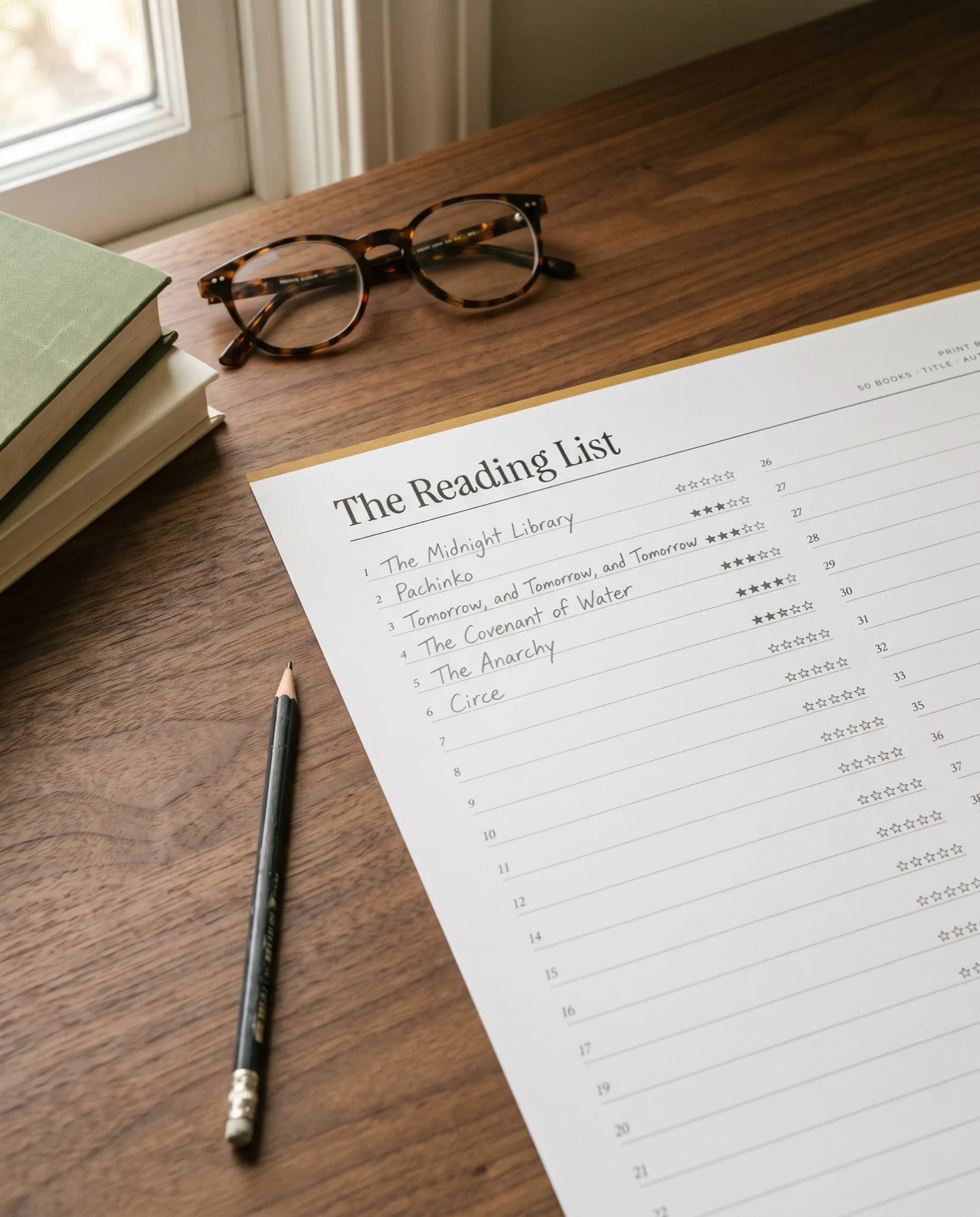
Most readers keep their next books in three places at once, a phone note, a stack on the nightstand and a vague memory. A printable reading list template pulls them onto one page with five columns. Those columns are title and author, why it is on the list, where to get it, a done box and stars. You can rule the page by hand or print a sheet with the lines drawn.
What Belongs in a Printable Reading List Template?
Five columns cover almost every list, and the middle two are the ones most templates leave out. A title alone tells you what you wrote down. A reason and a source tell you what to do with it.
| Column | What goes in it | Why it earns its space |
|---|---|---|
| Title and author | The full title and the author's surname | Finds the right edition in a catalog or a shop |
| Why it is on the list | A few words, such as "Dana says the ending is worth it" | Tells you next spring whether you still want it |
| Where to get it | Own, library hold or wish list | Shows which books you can start tonight |
| Done | A box to tick or a date finished | Gives you the small reward of crossing a line out |
| Stars | One to five, filled in after reading | Turns the list into a record of what you loved |
A long list is not a problem in itself. In an October 2025 survey by Pew Research Center, 38% of U.S. adults said they read one to five books in the past year, and only 14% read more than 20. Fifty lines is more than twice what 86% of adults read in a year.
Step 1: Choose Which List You Are Making
Start with one list type and give it its own page. Mixing every kind of book on one page makes the reason column meaningless, and three types cover most readers.
| List type | What it holds | Extra column to add |
|---|---|---|
| To be read | Books you plan to read, owned or not | Where to get it |
| Read | Books you finished | Date finished and stars |
| Recommended to me | Books other people pressed on you | Who said it, and whether they were right |
The to-be-read list is the one that grows fastest. Our guide to making a TBR list covers sorting it by shelf and pruning it.
Step 2: Rule the Columns
Turn the page sideways and divide it into the columns in the table above. Use a ruler and a sharp pencil. Give the reason column the most room, because it is the only one where you write a sentence. The done box can be a small square at the right edge.
Number the lines before you fill any in. A numbered list tells you at a glance how long it has become, and a cap such as fifty is easy to hold yourself to.
Pro Tip: Write the reason on the same day you add the title. A recommendation you cannot place a month later is hard to judge, and a title with no reason is the first to go when you prune.
Step 3: Write a Reason Beside Every Title
A reason is a few words that answer why you wrote the book down. Good reasons are specific and borrowed from your life. "Reviewer compared it to the novel I loved in March" beats "sounds good."
Reasons tend to fall into three groups. Some books come from a person, some from a place such as a prize list or a review, and some from a mood you want to chase. Writing the group in a few words lets you choose by what you feel like reading. A title with no reason after a season is a candidate to cross out.
Step 4: Note Where You Will Get Each Book
The where column turns a wish into a plan. One or two words are enough, own, library or wish list. A book you own can be started tonight, while a library book may need a wait. For borrowed titles, write the due date or the day your hold came up, as in our guide to making a TBR list.
The ready date matters for e-books. Libby's help pages on holds say you have 72 hours to borrow a title once your hold comes up.
Step 5: Keep the List Short and Cross Things Off
A reading list stays useful when it has a ceiling. Fifty lines is a sensible one, because a full list tells you to read before you add. Cross a book out with one line when you finish it, and tick the done box.
Every few months, copy the unfinished titles onto a fresh sheet. The act of recopying shows you which books you skip over every time, and those are the ones to leave behind.
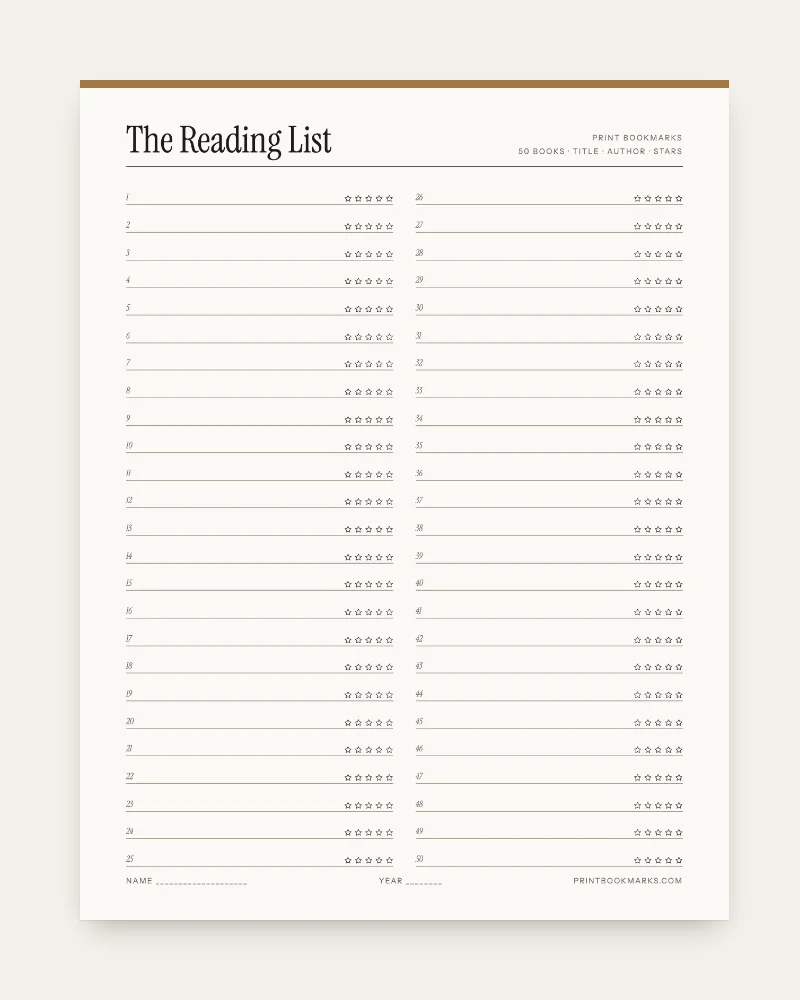
If you would like the lines drawn for you, The Reading List is one printable sheet with fifty numbered lines for title and author and five stars to shade beside each. Write the reason in the margin. The TBR Shelf suits readers who prefer drawing a pile to listing one, with five shelves of empty spines to title and color in. Both print at actual size (100%) on plain or matte paper around 120 gsm, from a US Letter or an A4 PDF.
Sheet, Notebook or App: Where Should the List Live?
The best place for your list is where you already look when you finish a book. Choose by habit, since a printed sheet, a notebook page and an app each win in a different spot.
| Where the list lives | Strong point | Weak point |
|---|---|---|
| A printed sheet | Sits on the shelf beside the books and shows the whole list at a glance | Holds a fixed number of lines |
| A notebook page | Grows as long as you need and sits next to your reading notes | Has no ready-made columns until you rule them |
| An app | Searches, sorts and follows library holds for you | No natural limit on length, so the list can grow unchecked |
Key Takeaway: A list of fifty lines with a reason on each one is more useful than a list of five hundred with none. The reason column is what makes a title worth choosing.
When a Printed Reading List Is the Wrong Choice
A one-sheet list is the wrong tool if your wish list runs into the hundreds. Fifty lines will feel cramped, and you cannot search paper for every book by one author. An app or a spreadsheet handles that size better.
Overview of the Five Steps
| Step | What you do | What you end up with |
|---|---|---|
| 1 | Choose to be read, read or recommended to me | One list with one job |
| 2 | Rule five columns and number the lines | A page you can fill in quickly |
| 3 | Write a reason beside every title | A way to choose and to prune |
| 4 | Note where you will get each book | Books you can start tonight |
| 5 | Cap the list and cross off finished books | A list that stays readable |
FAQ
How can I create my own reading list?
Rule a page into five columns. They are title and author, why it is on the list, where to get it, a done box and stars. Number the lines, add a reason to every title and cross books off as you finish them.
How do I create a list of books I have read?
Start a separate page for finished books. Add the date you finished, a star rating and one line on what you thought. Keeping it apart from your to-be-read list shows how much you have actually read.
What app can I use to create a list of books I want to read?
Any reading app with a to-read shelf will do, and a library app such as Libby follows your holds. An app suits long lists you want to search, and a printed sheet suits a short list you want to see at a glance.
What do I get with The Reading List, and can I print it again?
You get a zip with a US Letter PDF, an A4 PDF and a README, and a receipt email brings the download link right after payment. Print it at actual size (100%) on plain or matte paper around 120 gsm. You may print as often as you like for you and your household, and give printed bookmarks or sheets as gifts. Please do not share or resell the file.
Conclusion
A reading list works when each line says what the book is, why you want it and where to find it. Choose one list type, rule five columns, write a reason as you go and keep the ceiling at fifty. Whether you draw the page or print it, a short list with reasons will get you to the next book faster than a long one without. Rule the columns for the next three books you hear about.
Sources
- Pew Research Center, Americans still opt for print books over digital or audio versions; few are in book clubs (2026) (last checked 2026-10-05)
- Libby Help, Holds (2026) (last checked 2026-10-05)