How to print bookmarks at Staples
Bring a finished PDF, name the paper, and check one sheet before you pay for the rest. You can print it yourself at a Staples self-service printer or have a print advisor at the full-service counter run it, and either way you decide which page is the front, which line is a cut, and which paper you meant.
What file should you bring?
Save the bookmark sheet as a PDF and bring that. That format was made so a page can travel to another computer without the program that built it, which is what you want when the shop's machine is not your laptop. Name the file so this sheet is easy to tell from an older draft. Print at the size stored in the file, with scaling turned off, whoever runs the machine. Fit to page rescales the page to the paper, which moves every cut line. If the file has a front and a back, know which page is which before the first sheet. A paper printout can show the layout, but the PDF is still the file to print. A photo of the sheet will not hold a clean cut line.
To run the job yourself, a self-service printer prints from email or a USB drive, and you pay at the machine. For the email route, send the PDF to staples@printme.com, then at the printer pick Print and then Email on its screen and enter the code from the confirmation email. If you want a paper the machine does not offer, or you would rather someone else ran it, take the PDF to the full-service counter and ask the print advisor how they want the file.
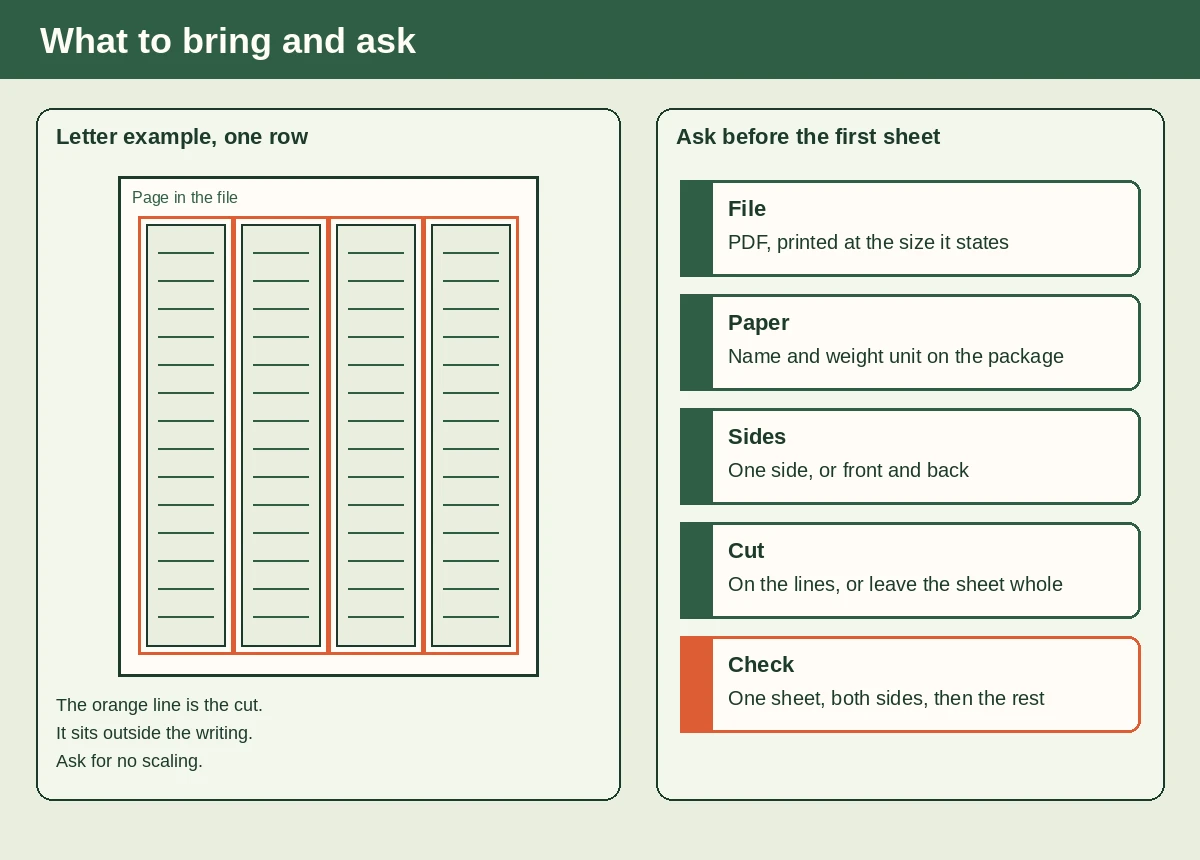
What should you ask the print counter?
Name the paper by the words on its package, weight unit included, and write that name down. Say whether you want one side or both. If you want both, ask which edge the machine will flip. If the back is a notes panel, say so, so nobody prints the front onto it. Point at the cut lines so the advisor knows they are guides, not a border to keep. Ask what one sheet costs and what the stack costs before you approve the rest. Staples asks you to order by 12 pm if you want same-day service. Hold off on a quantity until a test sheet looks right. If you print it yourself at the machine, run through the same list there before you press print.
Bring the per-sheet count from the sheet layout and name the sheet size. Ask whether the machine can feed your paper before you commit to a stack; what weight of paper to use explains the units on the package. Lining up the back on a home printer is its own job, covered in how to line up the front and the back.
Staples's pages list printing, hole-punching and lamination, but they do not say the counter will cut the sheet into bookmarks, so ask before you pay. If they will not, take the sheet home and cut on the lines, then punch a cord hole in each strip if you want one.
Lamination at Staples can start online, or you can ask an associate in the store. Staples suggests thick sheets for small items. Say whether to seal the whole sheet or only the fronts before anyone feeds a stack. To seal them at home instead, see how to laminate a bookmark.
What should you check before you pay?
Check one sheet before you pay for the rest. Hold it next to the file and see whether the strips match the size you built, rather than a rescaled fit-to-page version. Confirm the paper matches the name you wrote down. If you asked for both sides, hold the sheet to the light and see whether the back sits on the front; a shifted back means the cut will clip one side. Confirm the cut lines still sit outside the writing. Read a line of type. Soft or clipped type is a reason to ask for another sheet, not a reason to accept the stack. Pay only after that sheet is the one you want, and keep it as the record of what you approved.
If the back is upside down, ask for the other flip edge. If it has only shifted, reload the sheet squarely, or ask the advisor to, and print one more test.
If you'd rather bring a ready-made tracker to the counter than build the page yourself, Print Bookmarks makes All three, reading-tracker bookmarks for a counter visit or a home printer.