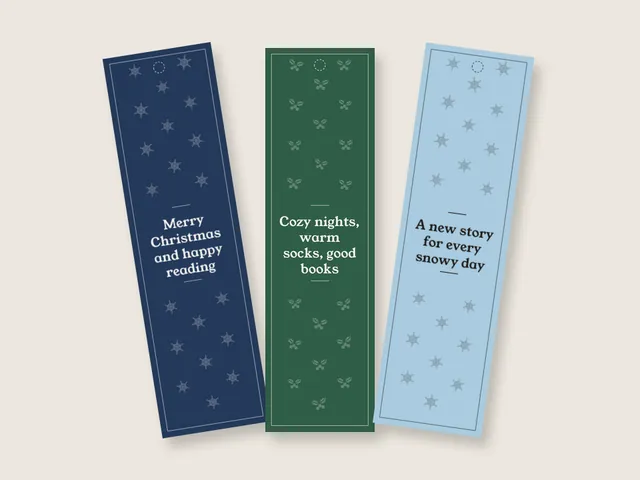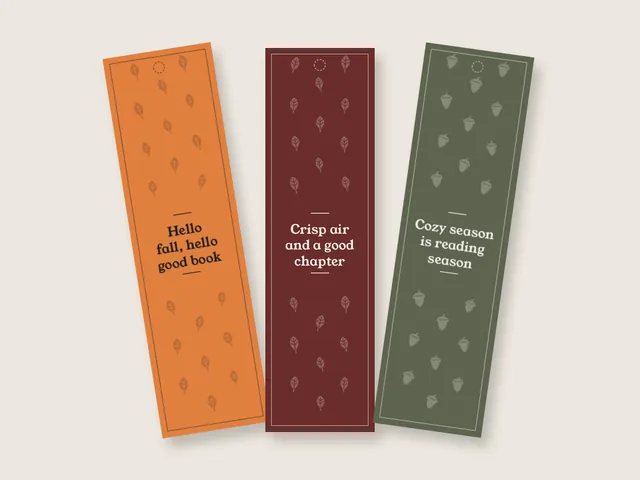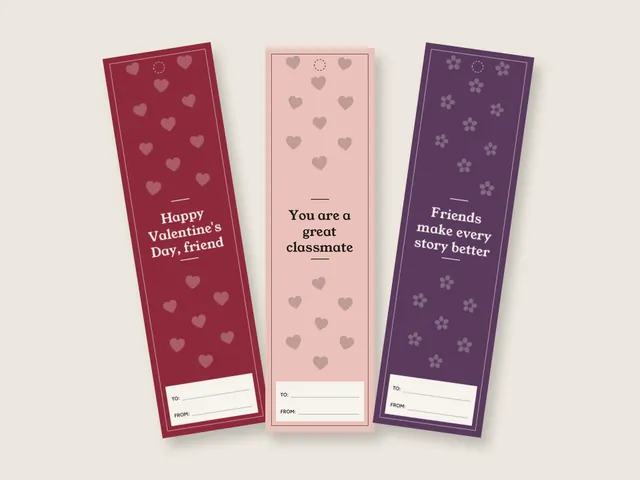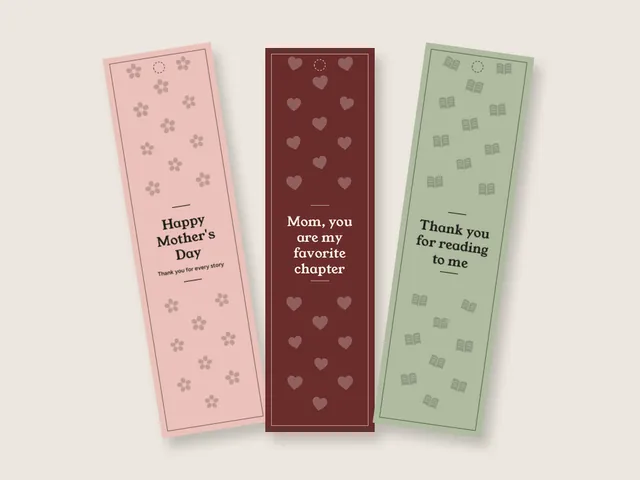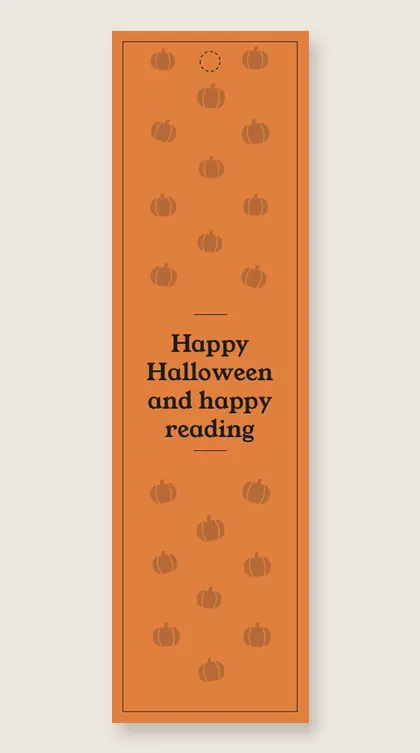
Halloween Bookmarks 8 free printable designs
These 8 Halloween bookmarks are friendly, with smiling ghosts, pumpkins, moons and stars and nothing scary. They make a good handout for class parties and a nice extra in a treat bag. Every PDF puts 4 bookmarks on a US Letter or A4 sheet with cut marks, in color or as an ink saver, and each design carries a short wish of our own.
8 Halloween bookmarks
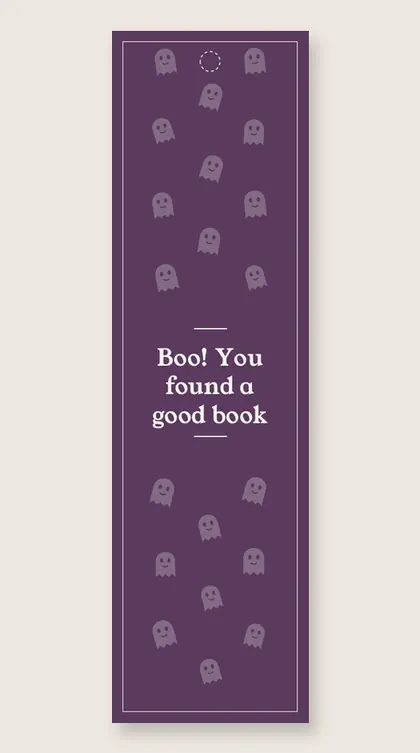
Boo! You found a good book
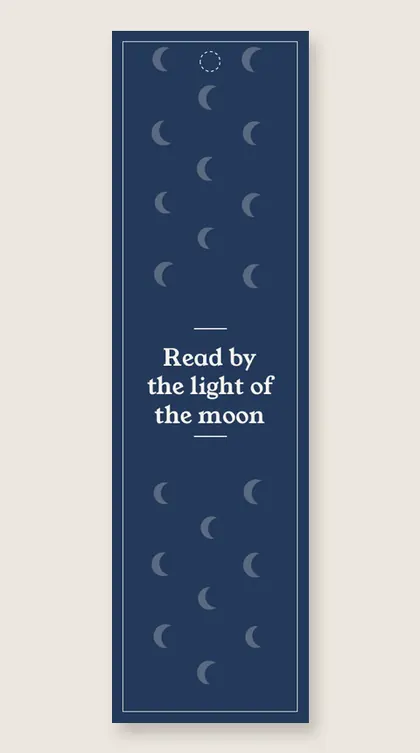
Read by the light of the moon
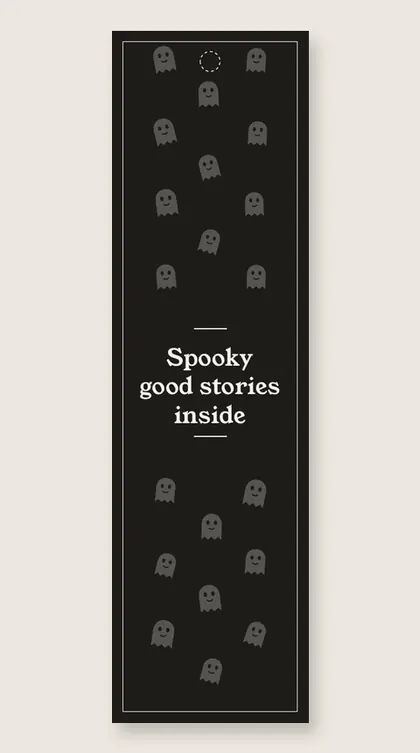
Spooky good stories inside
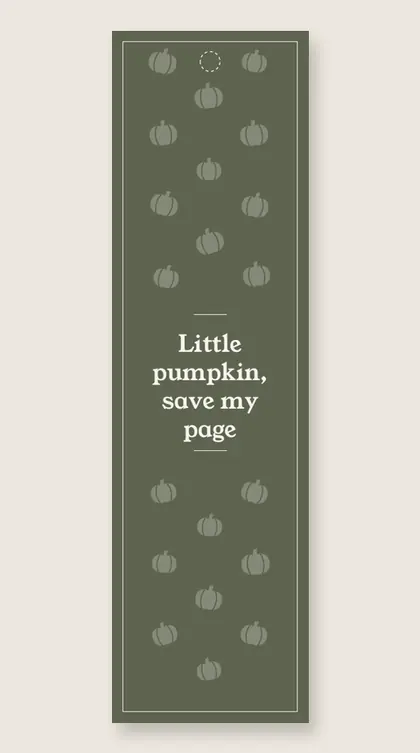
Little pumpkin, save my page
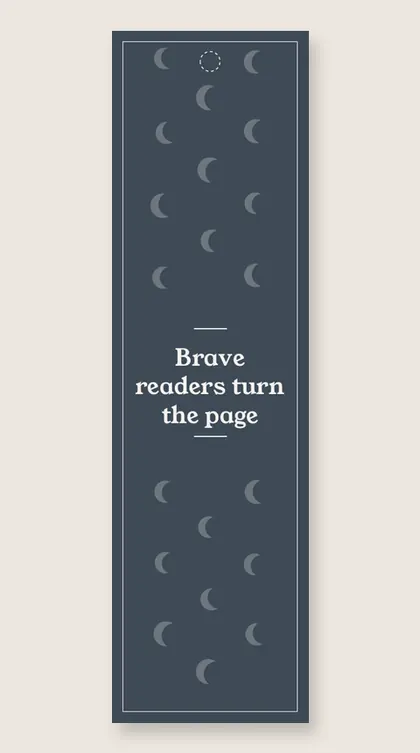
Brave readers turn the page
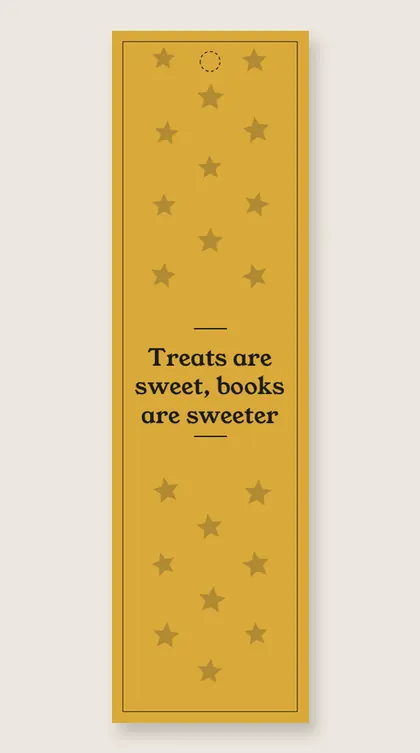
Treats are sweet, books are sweeter
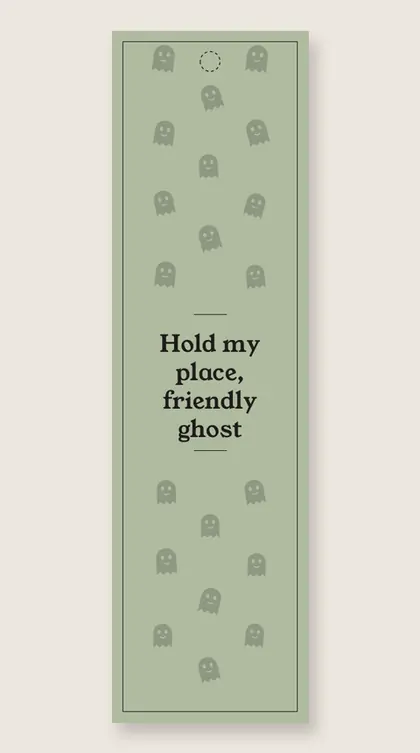
Hold my place, friendly ghost
All 8 bookmarks
Download allPrint, cut, read
Printing tips for the bookmarks
- 4 per sheet. Each bookmark is 2 by 7 inches on US Letter, 50 mm by 7 inches on A4, with cut marks.
- Cardstock. 65 lb cover (about 176 gsm) feeds through most home printers. Which weight to buy.
- Print at 100%. Choose actual size, not fit to page, so the bookmarks keep their size. How to print bookmarks.
- Finish. Laminate it, then add a tassel through the dotted circle.
Are these Halloween bookmarks too scary for young kids?
Halloween bookmarks on this page are friendly enough for young kids, with smiling ghosts, pumpkins, moons and stars instead of scary pictures. The wishes are gentle, such as Read by the light of the moon and Little pumpkin, save my page. They work well as a handout at class parties or in treat bags.
Printable Halloween bookmarks for class parties
These printable Halloween bookmarks suit a class party because one sheet gives four bookmarks. A few sheets of cardstock cover a whole class. The wishes are playful and kind, such as Boo! You found a good book and Brave readers turn the page, so they work for young readers who do not like scary pictures.
Halloween bookmarks to print at home
These Halloween bookmarks to print at home come as a free PDF on US Letter or A4. Print at 100% on 65 lb cardstock and cut on the marks. The color version runs to the cut, and the ink saver version prints on white with colored outlines if you need many copies.
Cute Halloween bookmarks with friendly ghosts
These are cute Halloween bookmarks with smiling ghosts, pumpkins, moons and stars. The wishes are gentle too: Little pumpkin, save my page, Hold my place, friendly ghost, and Treats are sweet, books are sweeter. They make a sweet extra in a treat bag that lasts longer than the candy.
Questions
Can I print my own bookmarks?
A regular printer at home can print these Halloween bookmarks. Download the free PDF, pick US Letter or A4, and print at 100% so the bookmarks keep their size. Each sheet holds 4 bookmarks with cut marks.
How can I print bookmarks?
To print bookmarks well, open the PDF and choose actual size instead of fit to page. Load cardstock, print, then cut on the cut marks. Add a tassel through the dotted circle if you like.
Where can I print a bookmark for free?
Printing a bookmark for free at home works from this page. The Halloween bookmark PDFs are free for personal and classroom use. Please link to this page instead of uploading the PDFs somewhere else.
What is the best material to print bookmarks on?
Cardstock is the best paper for printed bookmarks because it stays stiff inside a book. A 65 lb cover stock, about 176 gsm, feeds through most home printers. Plain paper is fine for a test print.
What is cardstock paper?
Cardstock is a thick, stiff paper that holds its shape better than printer paper. For bookmarks, 65 lb cover, about 176 gsm, feeds through most home printers. You can find it in the paper aisle of office and craft stores.
Where can I laminate paper?
Laminating paper at home works with a small laminator or with self-adhesive laminating sheets. Many print shops and office supply stores laminate pages too. Cut the bookmarks out first, laminate them, then trim and add a tassel.
Is there a version that uses less ink?
The ink saver PDF has the same designs on white with colored outlines. It uses a fraction of the ink of the color version and still cuts to the same size.
Why is there a thin white edge after cutting?
Most home printers cannot print to the very edge of the sheet, so a thin white edge can show. The color runs to the cut marks, so cut on the marks and each bookmark is full color. If your printer adds a margin, trim a hair inside the marks.